Fix Sega Genesis Six-Button Controller: Clean Contacts & Pads
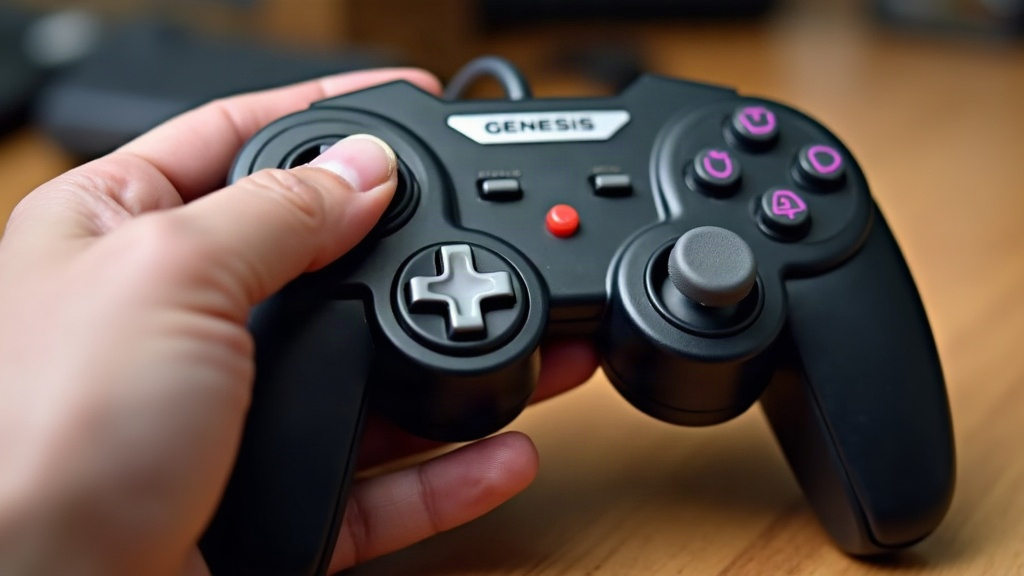
If your Sega Genesis six-button controller has gone mushy, stopped responding, or started double-firing buttons, nine times out of ten the problem is worn carbon contacts or tired rubber pads inside the shell. Good news: both are fixable in under an hour, with tools you probably already own, and zero soldering required.
Why Six-Button Controllers Fail Over Time
The Genesis six-button pad (model MK-1470) relies on conductive carbon pills bonded to small rubber membranes. Press a button, and a carbon dot gets pushed onto a matching trace on the circuit board, closing the circuit. Simple design, but after 20-30 years of sitting in attics and closets, two things usually go wrong:
- Oxidation and grime build up on the PCB traces, blocking the electrical connection entirely. Result: a button that just doesn’t register, no matter how hard you mash it.
- Rubber pads lose their elasticity, or the carbon coating starts flaking off. This shows up as mushy feel, missed inputs, or buttons that stick down and “ghost” repeat presses on their own.
Here’s a quick diagnostic: if A, B, C, X, Y, Z, Start, or the D-pad feels noticeably worse than the others on the same controller, you’re almost certainly dealing with a contact or pad issue. It’s not your console. It’s not the game.
Tools You’ll Need
- Small Phillips screwdriver (Genesis controllers use standard Phillips, not those annoying security screws)
- Isopropyl alcohol (90%+ concentration works best; the cheap 70% stuff works too, just dries slower)
- Cotton swabs and a lint-free cloth or microfiber towel
- A pencil (for the “pencil eraser trick,” more on that below)
- Replacement rubber pad kit (optional, sold by retro repair shops for roughly $8-15)
- Plastic spudger or an old credit card for prying the shell open
Step 1: Open the Controller Safely
Flip the controller over and pull the screws, usually 5-6 of them, sometimes hidden under the label or tucked into visible recesses. Pry the top and bottom shell apart carefully. The D-pad piece and face buttons will likely tumble loose the moment you separate the halves, so work over a towel or a shallow tray. Losing a tiny rubber nub under your desk is a genuinely annoying way to end your Saturday afternoon.
Step 2: Clean the Carbon Contacts
- Lift the rubber membrane sheet off the PCB. You’ll see round dark carbon pads on its underside, and matching gold or copper traces on the board itself.
- Dip a cotton swab in isopropyl alcohol and gently wipe each trace until the grime lifts. Don’t press hard enough to scratch the copper, you’re cleaning, not sanding.
- Do the same for the carbon pads on the rubber membrane. Alcohol dissolves oils and dust without eating into the conductive coating.
- Let everything air-dry completely for 10-15 minutes before putting it back together. Reassemble too early and leftover alcohol can cause flaky, intermittent contact that’s maddening to diagnose later.
Step 3: The Pencil Eraser Trick for Worn Pads
Got a carbon pad that looks thin, shiny, or patchy? This happens most on the A and B buttons, since they take the most abuse over the years. A regular pencil can sometimes squeeze out a bit more life:
- Lightly shade graphite onto the worn carbon pad using a standard #2 pencil.
- Graphite conducts electricity and can bridge tiny gaps in a degraded carbon pill. Think of it as a patch job, not a real repair.
- Test the button before you close everything up. No point reassembling twice.
This trick buys you time, sometimes months, sometimes years, but it won’t save a pad that’s cracked, torn, or worn down to bare rubber.
Step 4: Replace Rubber Pads When Cleaning Isn’t Enough
If the carbon pad is physically wrecked, cleaning and graphite tricks won’t cut it. Time for a real fix:
- Order a drop-in rubber membrane kit matched specifically to the MK-1470 six-button model. Three-button controller pads look similar but won’t seat correctly, so double-check before you buy.
- Pull the old membrane out entirely and lay the new one in with the same orientation. Look for the small alignment nubs that key into the shell, they only fit one way.
- Press each button once before closing the case up, just to confirm even contact and that nothing’s binding or catching.
Step 5: Reassemble and Test
Snap the shell halves back together, then insert and tighten the screws evenly. Don’t crank them down hard, the plastic is soft and decades old, and stripped screw holes are a real possibility. Once it’s closed up, test every button and direction, either in an actual game or with a controller tester app, before you call the job done.
Common Follow-Up Issues
- Still unresponsive after cleaning? Check the ribbon cable connector inside for corrosion or a loose crimp. It’s an easy spot to overlook.
- D-pad feels off-center or inconsistent? The rubber dome underneath the D-pad degrades separately from the face buttons. Clean and inspect it using the same method.
- Buttons registering twice? That’s usually leftover graphite dust or alcohol residue sitting between the pad and trace. Clean it again and give it more time to dry.
Conclusion
A sticky or unresponsive Sega Genesis six-button controller almost never means it’s dead for good. In nearly every case, it’s just dirty contacts or worn rubber pads underneath, and both are cheap, quick fixes you can handle at your kitchen table. Start with an alcohol cleaning. Try the pencil trick if the wear is minor. And when a pad is truly beyond saving, a full rubber membrane replacement kit will get you back in business. Keep that original controller working right, and your 16-bit setup stays authentic for years to come.