Why Your Game Boy Advance SP AGS-001 Backlight Flickers
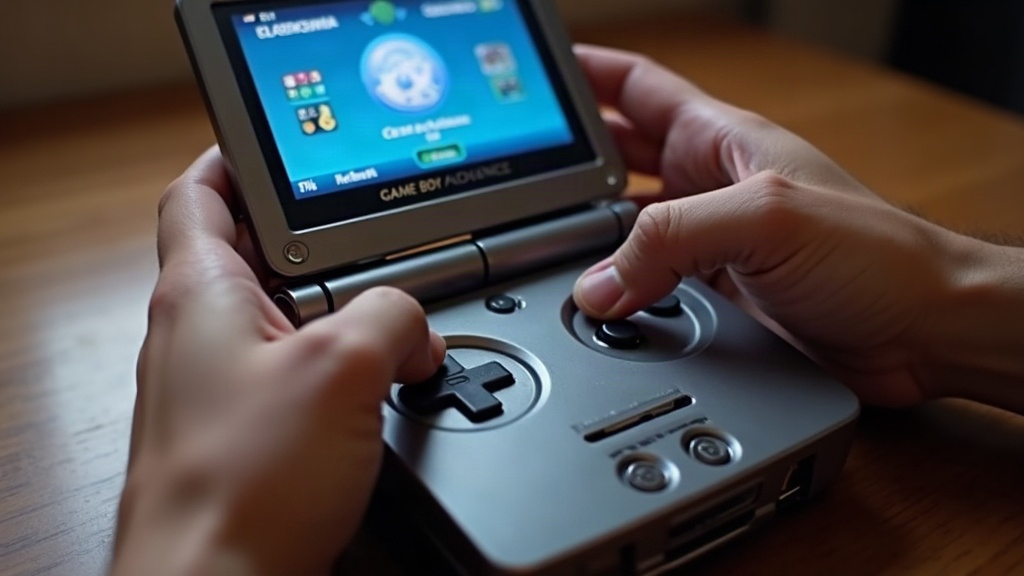
A flickering backlight on the Game Boy Advance SP AGS-001 is almost always down to aging capacitors, a worn battery contact, or a damaged backlight ribbon connector. It’s rarely the screen itself that’s dying. The AGS-001 was the first SP revision, and it has a reputation for this exact problem, mostly because of how Nintendo wired the backlight circuit on that particular board. The good news: the fix is usually cheap, and you can do it at home even if you’ve never cracked open a handheld in your life.
Why the AGS-001 Flickers More Than Other GBA Models
The AGS-001 (the backlit, non-front-lit SP) runs its backlight off a small inverter circuit that pulls power straight from the motherboard. Compare that to the later AGS-101, which uses a brighter, more power-efficient screen and a slightly revised circuit. The AGS-001’s backlight is just more sensitive to voltage drops. In practice that means:
- Any resistance in the power path (dirty contacts, degraded solder, a tired capacitor) shows up almost instantly as flicker
- It gets worse the lower the battery gets, since the inverter circuit needs a stable voltage to keep the backlight steady
- This is a 20-plus-year-old handheld now, so cold solder joints and drifting electrolytic capacitors should be expected, not treated as some rare defect
If the flicker gets noticeably worse on a low battery, or disappears completely when the SP is plugged into a charge cradle or USB-style power, that’s a strong clue you’re dealing with a power delivery issue, not a failing screen.
Step 1: Rule Out the Battery First
This is the quickest test to run, and honestly, it solves the problem more often than people expect.
- Charge the internal battery fully, then test again. Old NiMH batteries lose capacity over time and simply can’t hold a stable voltage under the backlight’s current draw.
- Got a second, known-good SP battery lying around? Swap it in temporarily and see what happens.
- Try running the SP plugged into its charger while powered on. If the flicker disappears under direct power, the battery (or its contacts) is your culprit.
A battery that’s 15 to 20 years old almost never holds a clean, stable voltage anymore, even if it still technically “charges.” Swapping in a fresh compatible cell fixes a surprising number of flicker cases all by itself.
Step 2: Clean the Battery Contacts
The AGS-001’s battery contacts are simple metal tabs, and after two decades of swapping batteries in and out, they tend to oxidize or get bent slightly out of shape.
- Power off the console and remove the battery.
- Gently clean both contact tabs with isopropyl alcohol (90%+ ideally) and a cotton swab.
- Check whether the tabs still have spring tension. A flattened contact won’t hold steady pressure against the battery, and that alone can cause flicker.
- If the tabs look flattened, bend them slightly outward, just enough to restore firm contact.
Step 3: Check the Hinge Ribbon Cable
The screen connects to the motherboard via a flexible ribbon cable that routes through the hinge. This is, by far, the most common failure point on the AGS-001, simply because that hinge flexes every single time someone opens or closes the console. Think about how many thousands of open/close cycles a well-used SP has gone through over 20 years.
- Open the shell and find the ribbon cable running through the hinge to the screen/backlight assembly.
- Look along the fold line for creases, cracks, or discoloration. That’s where it fails first, almost every time.
- Reseat the ribbon connector on both ends (motherboard side and screen side). It’s common for these to work loose over the years, or after a previous repair that didn’t seat things properly.
- If the ribbon is visibly cracked at the fold, replace it. Replacement ribbons for the AGS-001 are cheap and easy to find through retro repair parts suppliers, often just a few dollars.
Step 4: Inspect and Recap the Power Section
Still flickering after a fresh battery and a reseated ribbon? The next suspect is the small electrolytic capacitors sitting near the backlight inverter circuit on the motherboard.
- Look for a domed top, leakage residue, or corrosion around the base of any capacitor. That’s an obvious red flag.
- Even capacitors that look completely fine can have drifted badly out of spec after 20 years. If the flicker is intermittent and doesn’t line up with the battery or ribbon tests, this is usually where it’s coming from.
- A targeted recap of just the backlight inverter section (not the entire board) clears up most of the remaining cases. This does require basic soldering with a fine-tip iron, so if that’s not your thing, a retro repair tech can usually handle it in under an hour for not much money.
Step 5: Check the Backlight Inverter Chip Itself
Occasionally, the surface-mount inverter driver chip that regulates backlight power develops a cracked solder joint. This is usually caused by physical shock (a dropped console) rather than plain age.
- If you can identify the inverter IC and have reflow experience, reflow the solder around it.
- This is the rarest cause by far, so only go down this path after you’ve ruled out the battery, contacts, ribbon, and capacitors.
Quick Troubleshooting Checklist
- Fully charge or replace the battery
- Clean and re-tension the battery contacts
- Reseat (or replace) the hinge ribbon cable
- Visually inspect capacitors near the backlight inverter for damage
- Recap the backlight power section if needed
- Check the inverter IC solder joints as a last resort
Conclusion
Backlight flicker on the GBA SP AGS-001 is a well-known, well-documented issue, and it’s fixable in the vast majority of cases without ever touching the screen assembly itself. Start with the battery and contacts, since that takes a few minutes and costs nothing. From there, move to the hinge ribbon cable, which is genuinely the most frequent real cause of this exact symptom on this exact model. Save the capacitor work and inverter chip chasing for when the easier fixes don’t get you anywhere. Either way, a flickering AGS-001 is almost never a reason to retire it. Nine times out of ten, it’s a quick, cheap repair away from working like new.