Rescuing Sega Saturn Save Data When the CR2032 Battery Dies
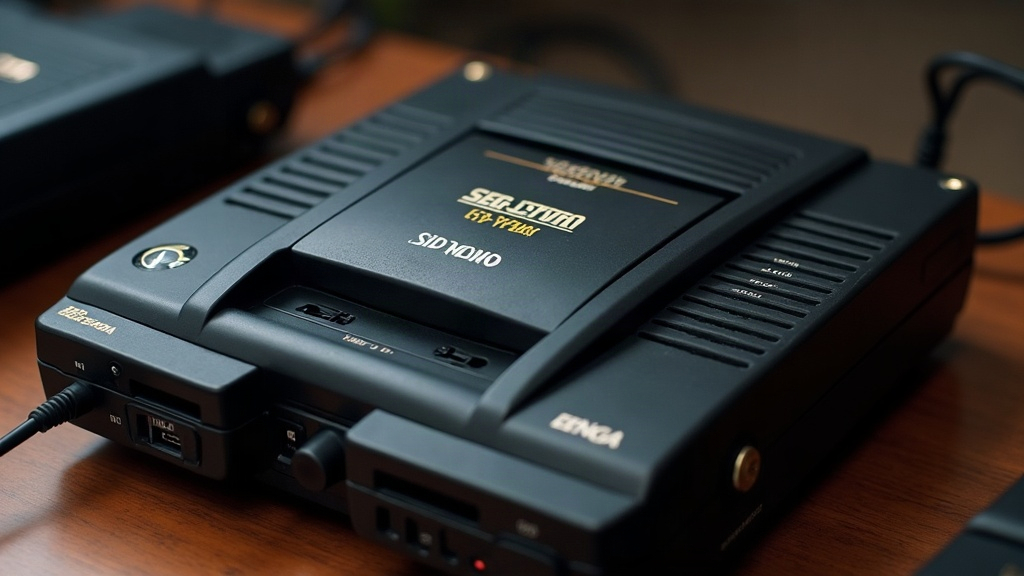
If your Sega Saturn’s CR2032 battery died mid-playthrough and your save data vanished, you’re not necessarily out of luck. In most cases the data isn’t truly gone until the console loses power completely, and there are ways to recover it, back it up externally, and stop this from happening again. This guide walks through exactly what happens when the battery fails, how to act fast, and how to protect your saves for good.
Why the CR2032 Matters So Much on Saturn
Unlike cartridge-based systems, the Sega Saturn stores save data in a small, volatile internal backup RAM chip. That chip needs constant power to hold onto anything, and the CR2032 coin cell is the only thing keeping it alive once the console is unplugged. Once the battery drops below a critical voltage, the backup RAM loses its contents almost instantly. Compare that to the CMOS/clock battery setup in many PCs, where failure tends to be gradual. On Saturn, it’s usually all-or-nothing, more like flipping a switch than watching a slow leak.
Symptoms of a dying battery include:
- “Backup memory cleared” or similar warning messages on boot
- Save files silently missing when you load a game
- Date/time resetting on the BIOS screen
- Saves corrupting rather than disappearing (garbled file names, 0 KB entries)
Step 1: Don’t Power Off the Console Yet
If you notice save corruption warnings but the console is still running, do not reset or power cycle it. As long as the Saturn stays on, the internal backup RAM is still getting power from the main system, not just the coin cell. That gives you a narrow window, maybe a few minutes, to act before things go south.
What to do immediately:
- Go to the Saturn’s internal BIOS backup memory manager (hold Start while powering on, or access it through the system menu).
- Check whether your save files are still listed, even if a warning popped up.
- If you own a Saturn with a cartridge slot accessory like an Action Replay, Pro Action Replay, or a backup memory cartridge, insert it now and copy your saves from internal memory over to the cartridge. External cartridge memory doesn’t depend on the failing coin cell at all.
- If you have a Save Game Transfer cable or flash cart (plenty of Saturn collectors use devices like the Phantom or a Satiator), use it to pull a full backup RAM image to a PC before the system loses power entirely.
Step 2: If the Console Has Already Been Turned Off
Once the Saturn is powered down and the CR2032 has failed, backup RAM typically wipes within seconds to a few minutes, depending on how much charge is left in the residual capacitor. Recovery odds drop fast at this point, but it’s still worth a shot:
- Swap in a fresh CR2032 right away, and power the console back on without pulling the old dead cell out first (some techs recommend overlapping the swap so there’s never a true power gap).
- Check whether your save was also mirrored to a memory cartridge, flash cart, or exported through save-transfer software. Plenty of Saturn emulators and flash carts allow periodic
.SAVor.BUPexports you might have forgotten about. - Search community save-state databases. Plenty of popular Saturn titles, think Panzer Dragoon Saga or Shining Force III, have fan-archived save files you can reload via a flash cart if your original is truly gone.
How to Prevent This From Happening Again
- Replace the CR2032 proactively every 3 to 5 years, even if the console still seems fine. Saturn units that have sat in storage for decades almost always have a battery at or near end-of-life, whether you’ve noticed symptoms yet or not.
- Solder in a battery holder if you’re comfortable with basic soldering. Many original Saturn boards used soldered batteries that eventually leak and corrode nearby traces. A holder means you can swap cells in seconds next time, no iron required.
- Use external backup memory (cartridge-based) as your primary save location for long campaigns, and reserve internal memory for saves you’re less attached to.
- Back up regularly using a flash cart or save-transfer cable to keep copies on a PC, where they’re completely immune to battery failure.
Common Questions
Can corroded battery leakage damage the console beyond just saves? Yes, and this part gets overlooked a lot. Leaked CR2032 batteries can corrode nearby traces and connectors, which can lead to hardware failure well beyond lost saves. Whenever you crack open the console for any reason, take thirty seconds to inspect the battery compartment visually.
Is it safe to use a rechargeable battery instead of CR2032? Stick with genuine CR2032 (non-rechargeable lithium) cells. Rechargeable substitutes often run different voltage curves and can cause inconsistent, unpredictable backup RAM behavior, sometimes worse than just letting the battery die naturally.
Conclusion
A dead CR2032 on the Sega Saturn is one of the most common, and one of the most preventable, causes of lost save data on this console. Catch the warning signs while the system is still powered, and you’ve got a real shot at moving your saves to external memory before they vanish for good. Going forward, proactive battery replacement paired with external backups is really the only reliable way to make sure saves from the 90s survive as long as the hardware itself does.