Fixing the Left-Eye Display Ribbon Cable on a Nintendo Virtual Boy
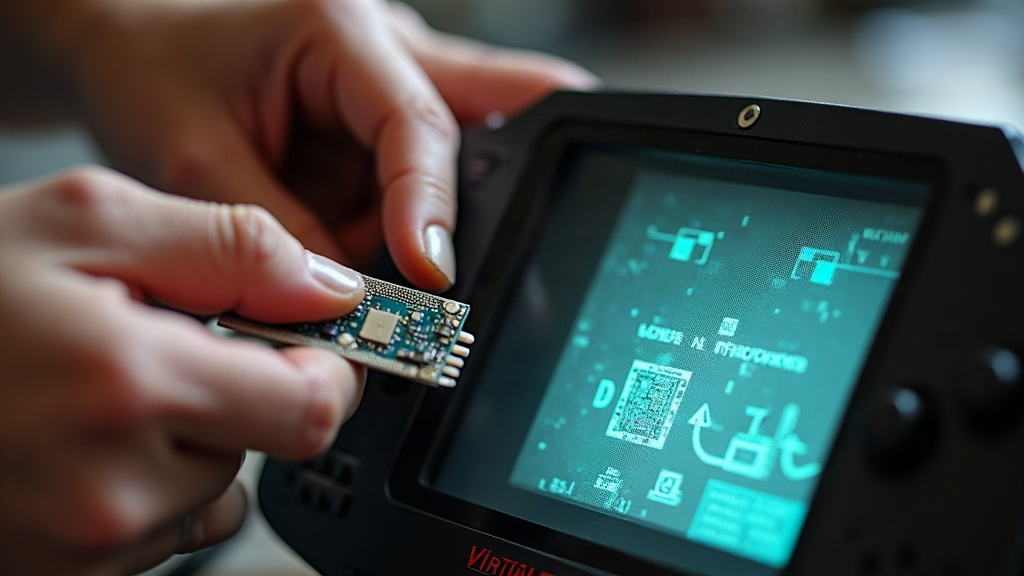
If your Virtual Boy’s left-eye image is dim, flickering, partially blacked out, or just gone while the right eye still works fine, don’t panic. Nine times out of ten, you’re looking at a degraded or disconnected left-eye display ribbon cable, not a dead unit. Here’s how to diagnose it and fix it safely, without wrecking the fragile LED display in the process.
Why the Left-Eye Ribbon Cable Fails
The Virtual Boy runs on two separate oscillating-mirror LED displays, each wired to the main board through a thin, delicate ribbon cable. Thirty-plus years on, these cables tend to break down in a handful of predictable ways:
- Cracked or oxidized traces, usually right where the ribbon flexes near the connector
- Loose ZIF (zero insertion force) connectors that have simply worked themselves loose with age
- Corrosion left behind by old battery leaks or years of humidity
- Physical damage from a previous owner’s rougher-than-ideal disassembly attempt
Since the left and right displays are wired as independent circuits, a bad left-eye cable will never touch the right eye. That asymmetry is actually your best diagnostic clue: it tells you you’re dealing with a ribbon problem, not a main board fault.
Diagnosing the Problem First
Before you crack the case open, rule out the easy stuff:
- Clean the headset contacts. Oxidized pins can mimic a dead cable almost perfectly.
- Try a different game. If the fault shows up no matter what’s in the cartridge slot, you’re dealing with hardware, not a software fluke.
- Flex the headset gently while it’s powered on. Press lightly near the hinge. If the image flickers or cuts out, that’s your confirmation: it’s a ribbon or connector issue.
If the left eye is completely black while the right eye looks perfect, check the ZIF connector first. Don’t assume the LED unit itself is dead, it rarely is.
Tools You’ll Need
- Small Phillips screwdriver (Gamebit or 3.8mm/4.5mm security bit for original screws)
- Plastic spudger or a guitar pick
- Isopropyl alcohol (90%+) and cotton swabs
- Fine-tip tweezers
- Kapton tape or electrical tape
- Optional: a replacement ribbon cable, pulled from a donor unit or bought from a retro parts seller
Step-by-Step Repair
1. Open the Headset Carefully
Take out the security screws around the headset shell. Keep in mind the plastic on these things is genuinely brittle after 30 years, so use steady, even pressure when separating the halves. Work your way around the perimeter instead of prying hard at one spot, or you risk a crack you didn’t have before.
2. Locate the Left-Eye Ribbon Connector
Inside, you’ll find the LED display module plugged into a ZIF socket on the small driver board. Check that the flap is fully closed and locked down. A partially open ZIF latch is, hands down, the most common reason for a “dead” eye.
3. Clean the Contacts
Dip a cotton swab in isopropyl alcohol and gently wipe both the ribbon’s gold contacts and the ZIF socket pins. Give it a full 1-2 minutes to dry before you reseat anything. Rushing this step is a common mistake.
4. Reseat or Replace the Ribbon
- Ribbon looks intact? Open the ZIF latch, pull the cable out, slide it back in fully and evenly, then snap the latch shut firmly.
- Ribbon is cracked or you can see broken traces? That cable needs to go. Pull a donor ribbon from a parts unit, or try a conductive repair pen for hairline breaks. Note: this only works on minor surface cracks, not fully torn traces.
5. Reinforce Weak Spots
Once everything’s reconnected, lay a small strip of Kapton tape over the flex point near the connector. This cuts down on future stress fractures in the same spot. Just make sure you don’t cover any exposed solder pads while you’re at it.
6. Test Before Reassembly
Power the console on with the headset still open and confirm the left eye is displaying correctly before you snap the shell shut. Skip this step and you might end up reopening the whole thing five minutes later because the fix didn’t take.
When to Seek Professional Help
If the ribbon is torn beyond saving and you can’t find a donor part, or if delicate soldering just isn’t your thing, send it to a retro console repair specialist. It’s worth the cost. Pushing an aggressive fix on a brittle 30-year-old ribbon can turn a simple connector fix into a total display loss, and that’s a much more expensive problem.
Conclusion
A failing left-eye display on the Virtual Boy almost always comes down to a ribbon cable or connector issue, not a dead LED unit. Start by cleaning and reseating the ZIF connector, check for visible cracks, and reinforce the flex point with tape so it doesn’t happen again. With a bit of patience and the right tools, most of these repairs are a sub-hour job at the kitchen table.